Fixes Implemented
Fixed
Content Split: Column Width Labels
"Column width should be the general terms 1/2 1/2 or 1/3 2/3 etc."
Done. Labels changed from "Equal (50% / 50%)" to "1/2 + 1/2", "2/3 + 1/3", "1/3 + 2/3".
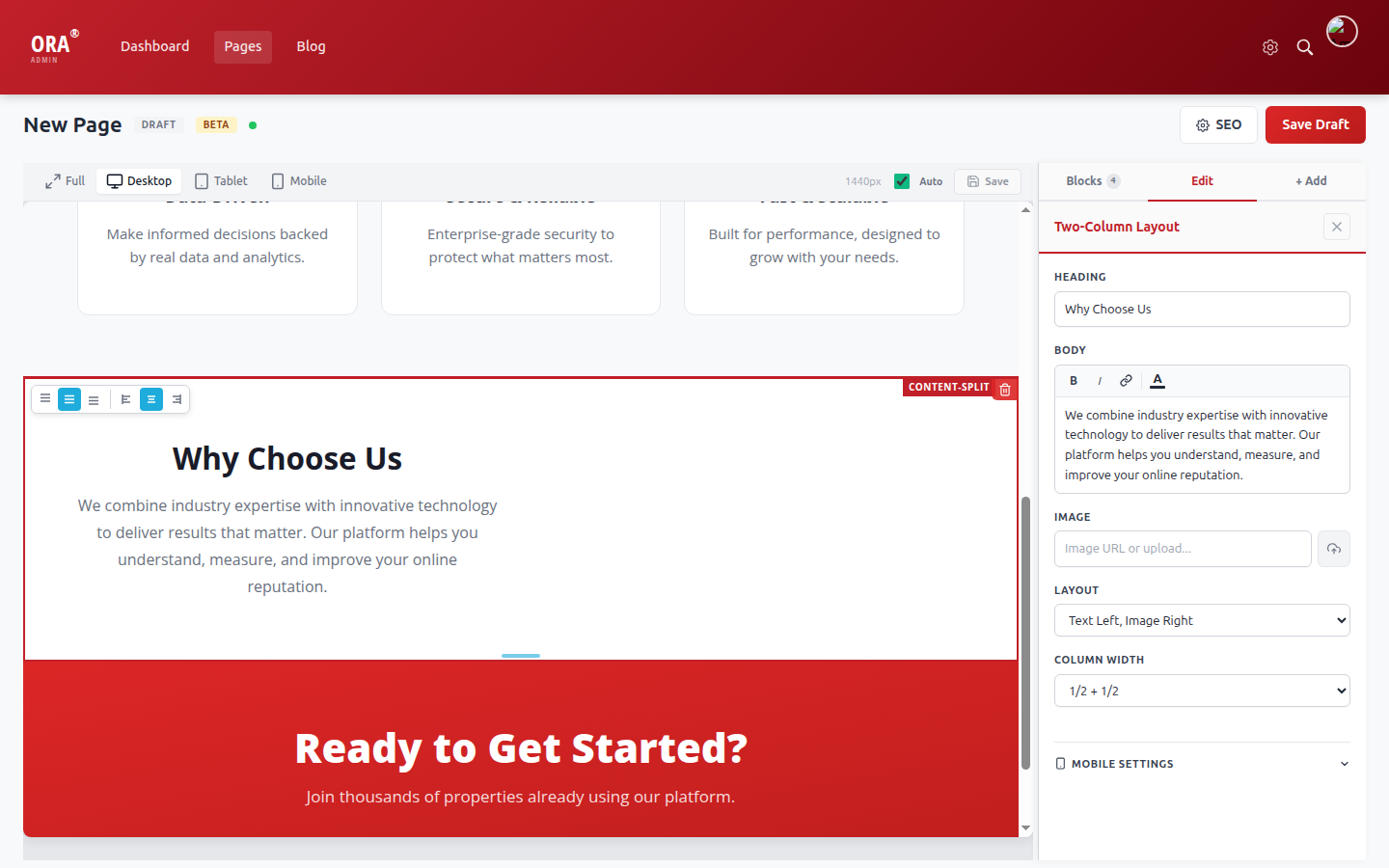
Column Width dropdown now shows fraction labels (1/2 + 1/2)
Fixed
CTA Banner: Heading/Subtext Rich Text Editing
"CTA Banner - can't edit text styles under heading/subtext"
Done. Both Heading and Subtext now have full rich text editors with Bold, Italic, Link, and Text Color controls.
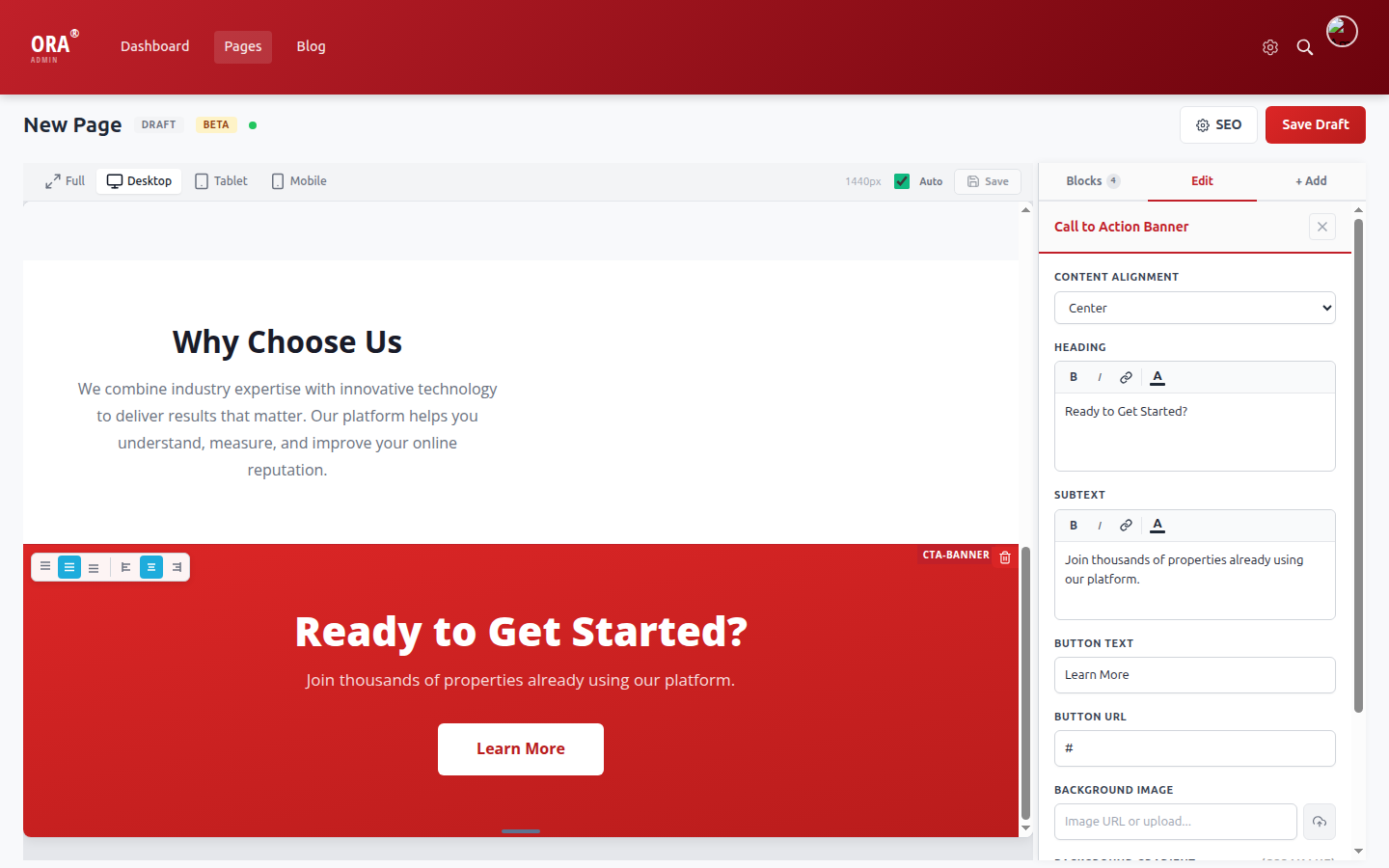
Heading and Subtext both have B/I/Link/Color toolbar
Fixed
FAQ Accordion: Answer Field Rich Text Editor
"FAQ Accordion - no text setting options in the answer box. URL option doesn't work. Text color puts html code in the answer box."
Done. Answer field upgraded from plain textarea to full rich text editor. Supports Bold, Italic, Links, and Text Color. No more raw HTML appearing.
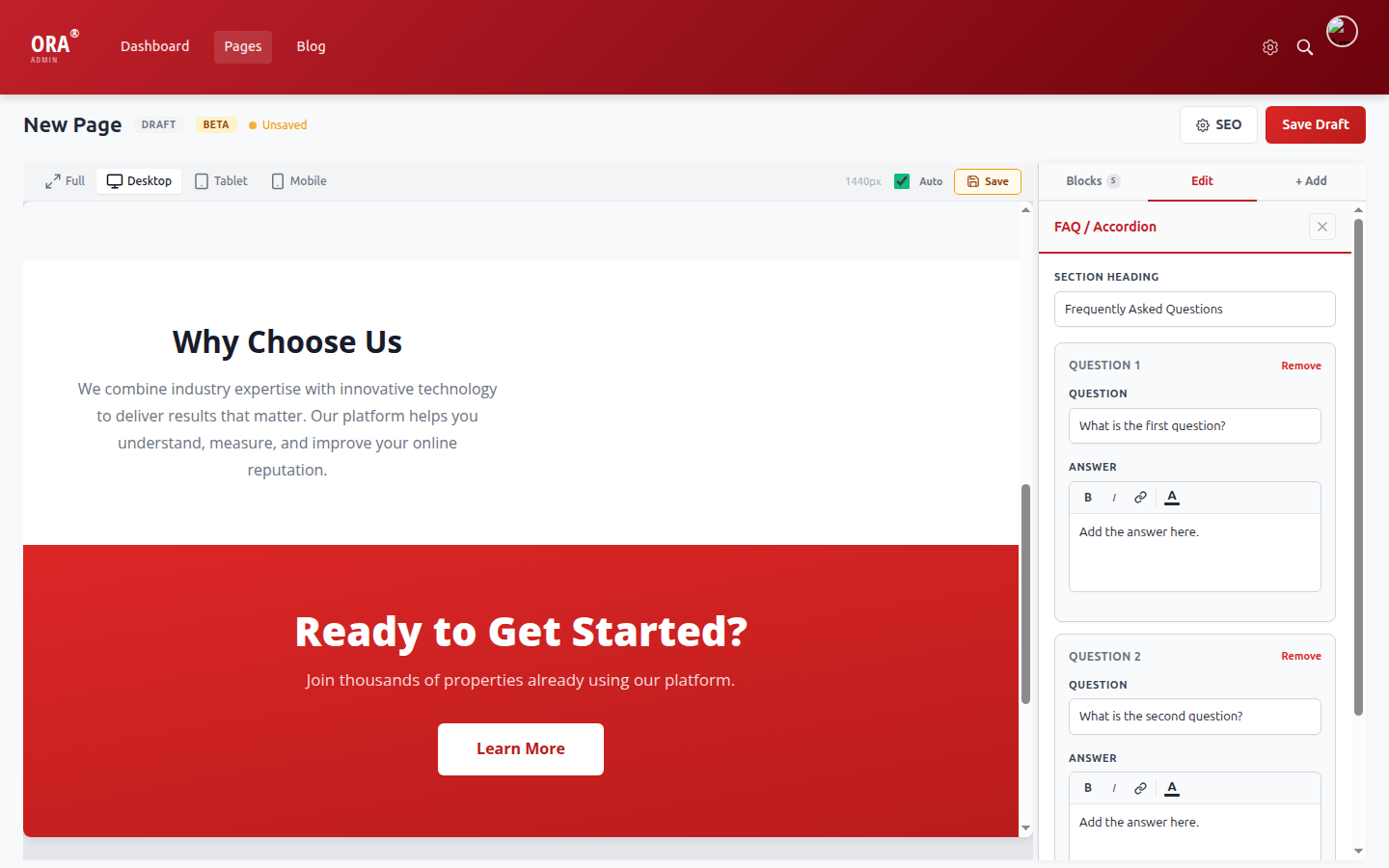
Answer fields now have B/I/Link/Color toolbar (same as body text fields)
Fixed
Quote Module: Rich Text, Text Color, Background Image
"No way to edit text color, size, or individual words. Can quote modules also have an image for the background or only color?"
Done. Quote text upgraded to rich text editor. Added Text Color picker and Background Image field. Content alignment now moves both the quote and attribution.
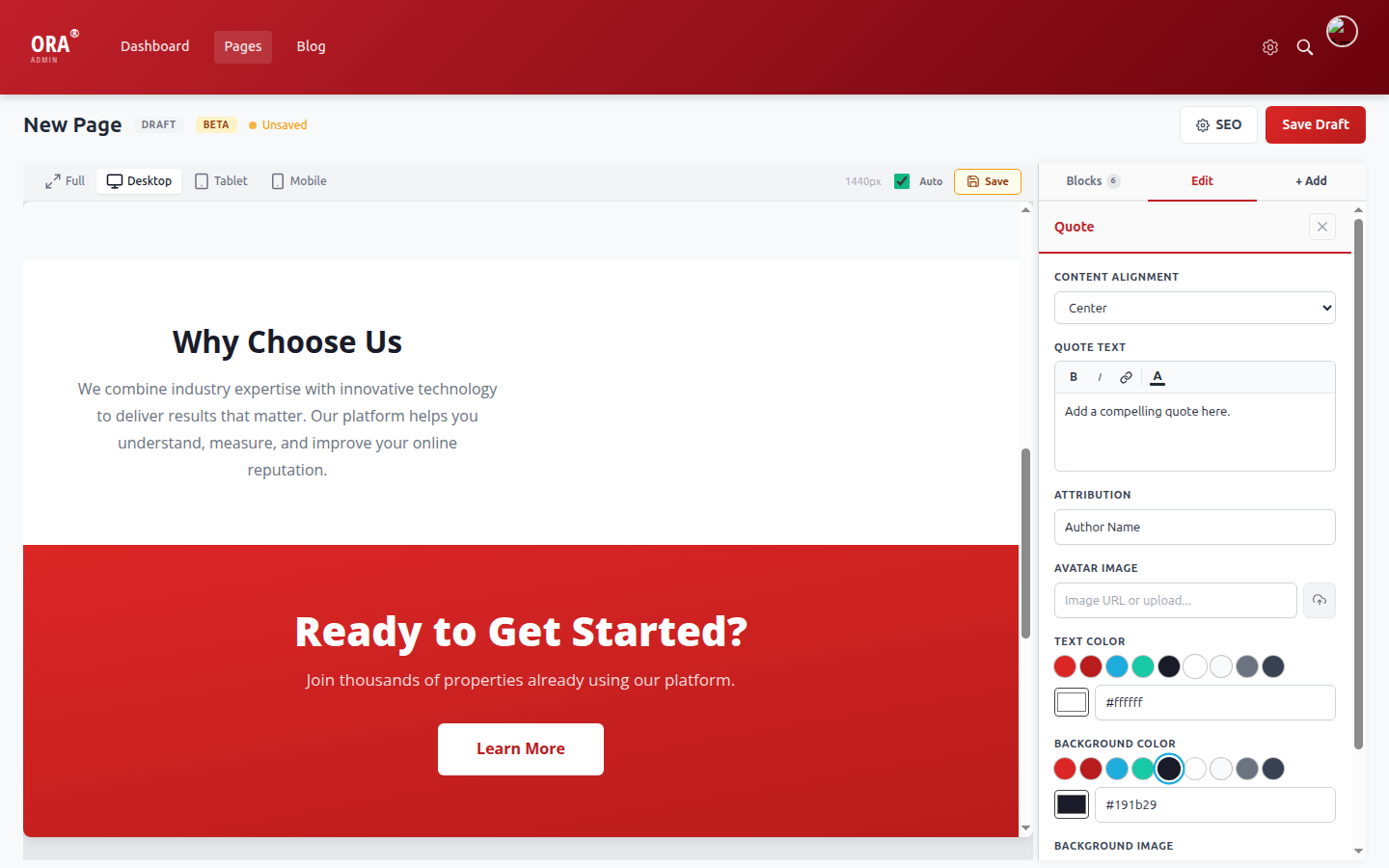
Rich text editor + Text Color picker + Background Color + Background Image
Fixed
Video Module: Caption Styling & Alignment Control
"No visible way to edit the video caption text color or type. Also no way to decide where the video sits, it is always center."
Done. Caption upgraded to rich text editor (Bold, Italic, Link, Color). Added Alignment dropdown (Center, Left, Right).
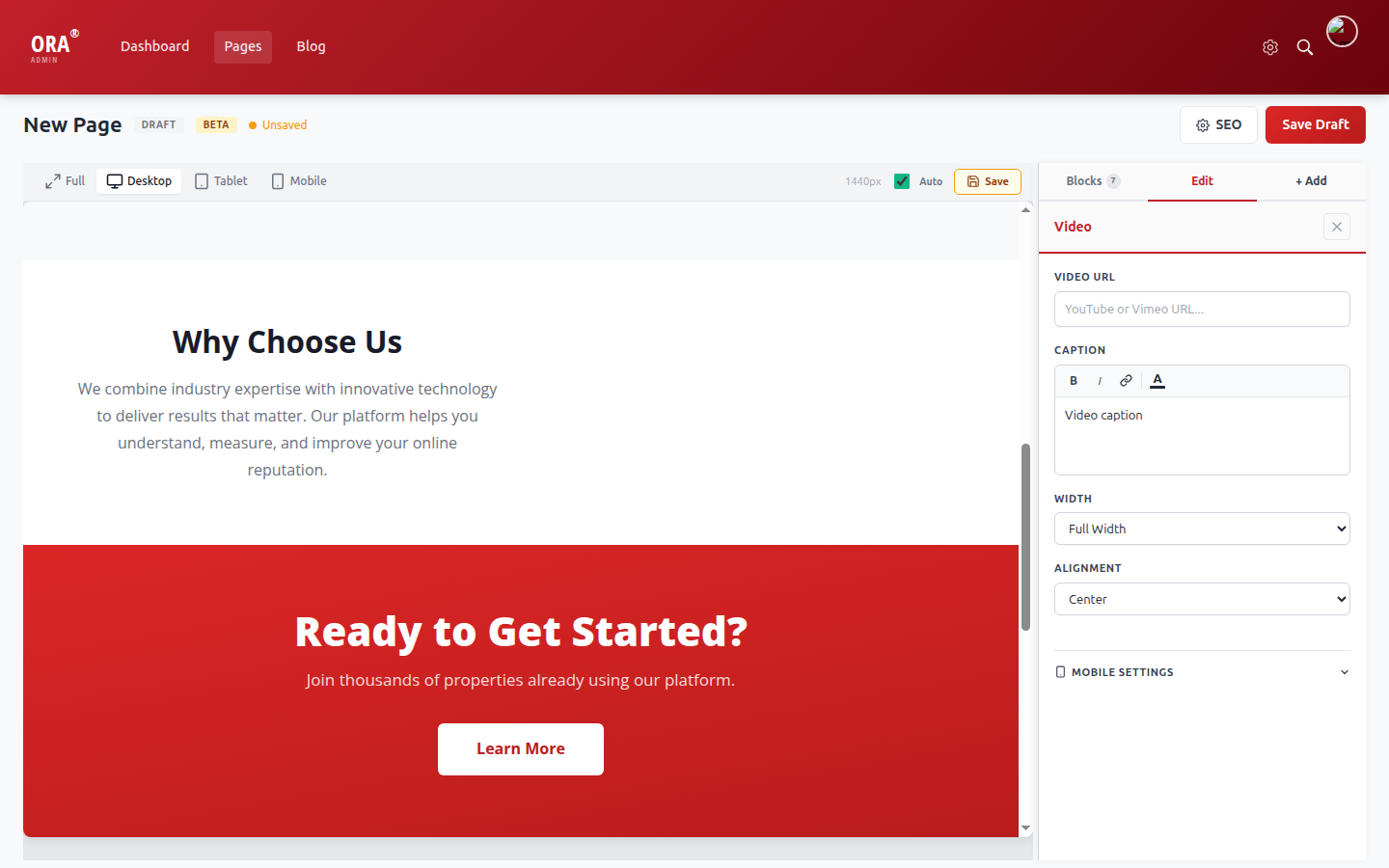
Rich text caption + new Alignment dropdown (Center/Left/Right)
Fixed
Image Overlay: Text Color + Rich Text Body
"Image overlay module - how do I edit the text color of the heading or text?"
Done. Added Text Color picker with ORA brand swatches. Body field upgraded to rich text editor.
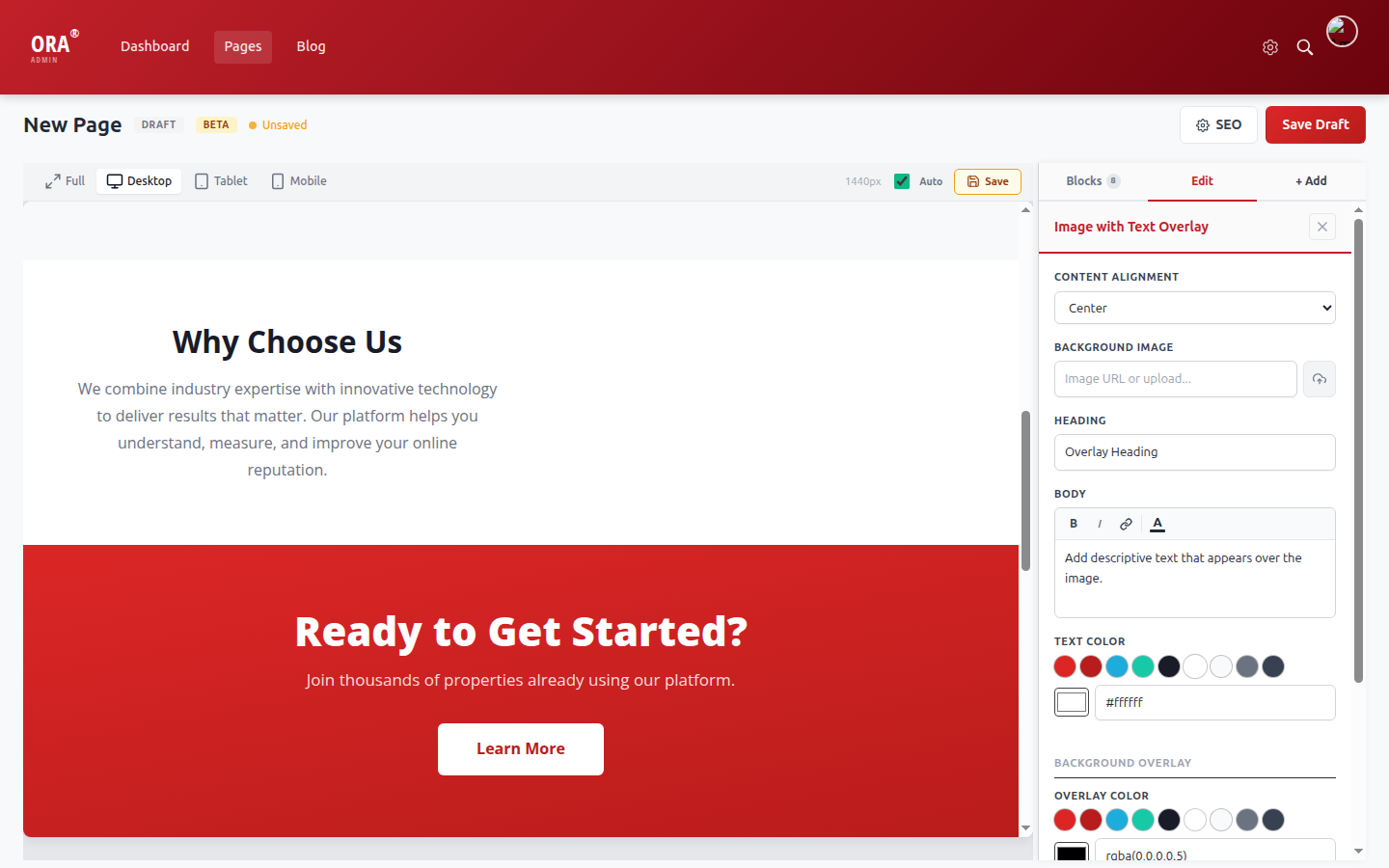
Rich text Body + Text Color picker + Background Overlay controls
Fixed
Icon Cards & Feature List: Emoji Picker
"Is there a way to have the emoji pop up? Are you saying to copy and paste an emoji?"
Done. Added emoji picker popup with 6 categories (Common, Business, Home, People, Nature, Symbols). Click the emoji button next to the input field to open.
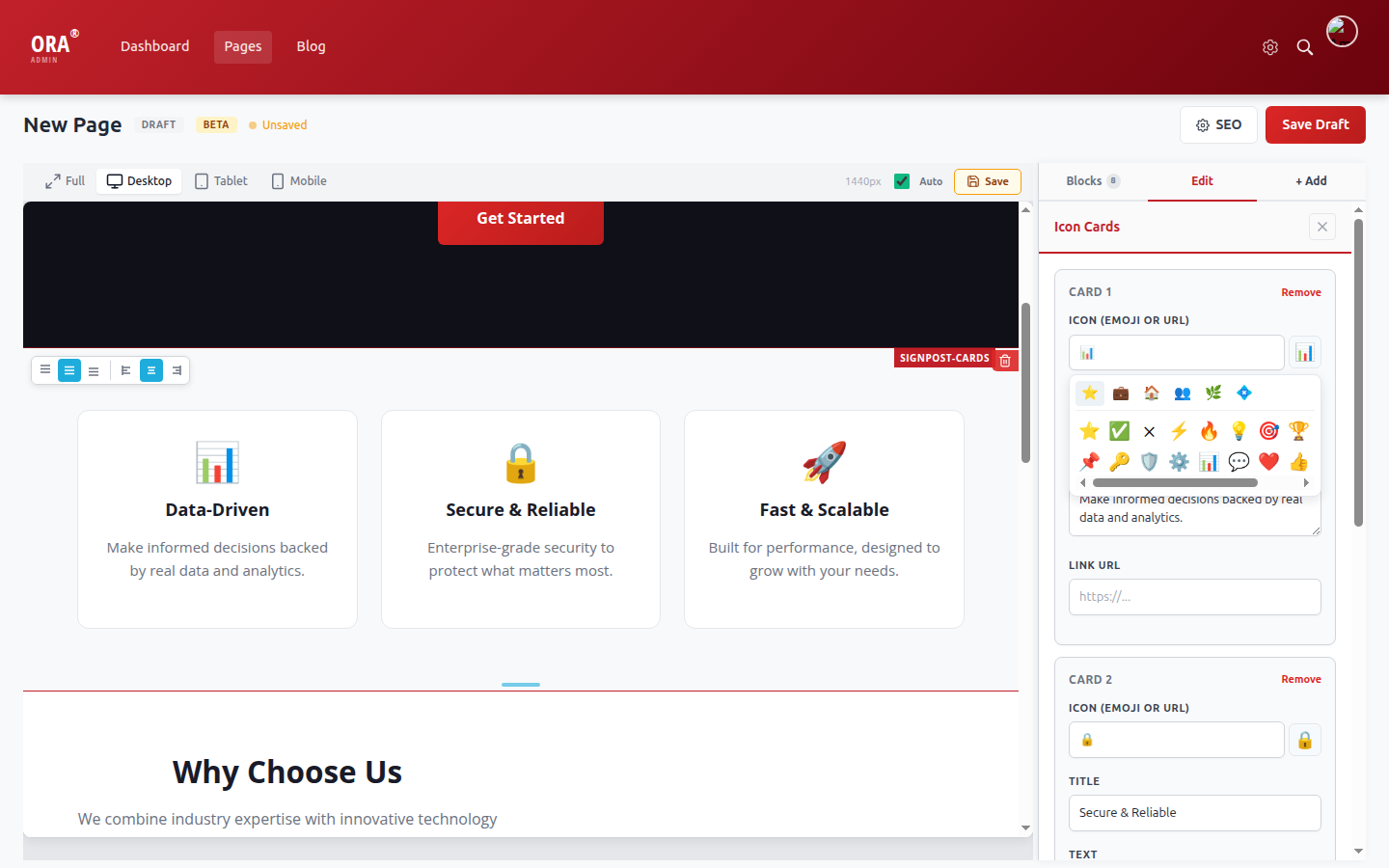
Emoji picker with categorized tabs and clickable emoji grid
Fixed
Settings Page: Save Indicator
"Looks good but no obvious way to save it."
Done. Added "Changes save automatically" text below the tabs. Toast notifications also appear on every save action.
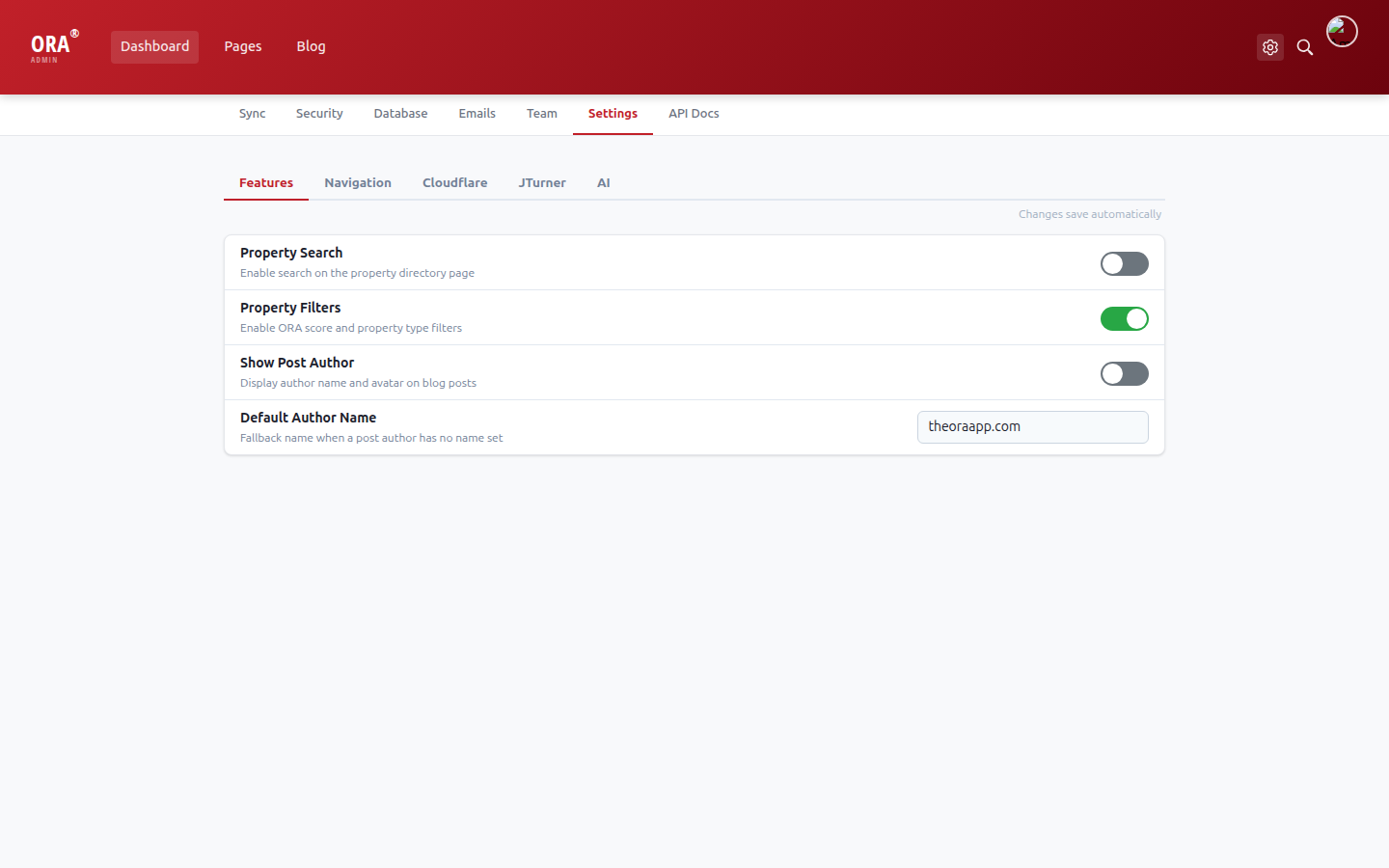
"Changes save automatically" hint visible below the tab bar
Code Fix
Profile Photo: Auto-Save on Upload
"When I edit my profile and add a profile photo, it lets me click out without prompting to save."
Done. Avatar now auto-saves immediately when uploaded. No need to click Save then close the modal.
resources/admin/js/views/EditUser.vue
- updateAvatar(url) { this.user.avatar = url; }
+ updateAvatar(url) { this.user.avatar = url; this.saveUser(); }
Code Fix
Preview: Scroll Position Preserved on Changes
"If I click something like column width and select something new, it always reloads the top module instead of showing me real time below what I am doing."
Done. Preview now saves scroll position before refresh and restores it after. The active block stays selected in the refreshed preview.
resources/admin/js/views/EditPage.vue
+ refreshPreview(): saves iframe.contentWindow.scrollY before POST
+ onIframeLoad(): restores scrollTo(0, savedY) + re-selects active block
Code Fix
Blog Posts Module: Fixed Spinner on Empty Category
"I added the blog post module and told it to filter by category announcements and it sitting with a circling rendering preview."
Done. When no posts match the tag filter, the block now shows a helpful message ("No posts found for 'announcements'") instead of rendering nothing.
resources/views/pages/blocks/blog_feed.blade.php
- @if($posts->count()) ... @endif (renders nothing when empty)
+ @else shows "No posts found for '{filter}'" message
Fixed
View Site Link: Correct URL on Production
"When I click view site under blog it currently goes to the old property directory at the laravel.cloud vanity URL."
Done. On production (laravel.cloud domain), the link now uses the correct ora.ratliffconsulting.com URL.
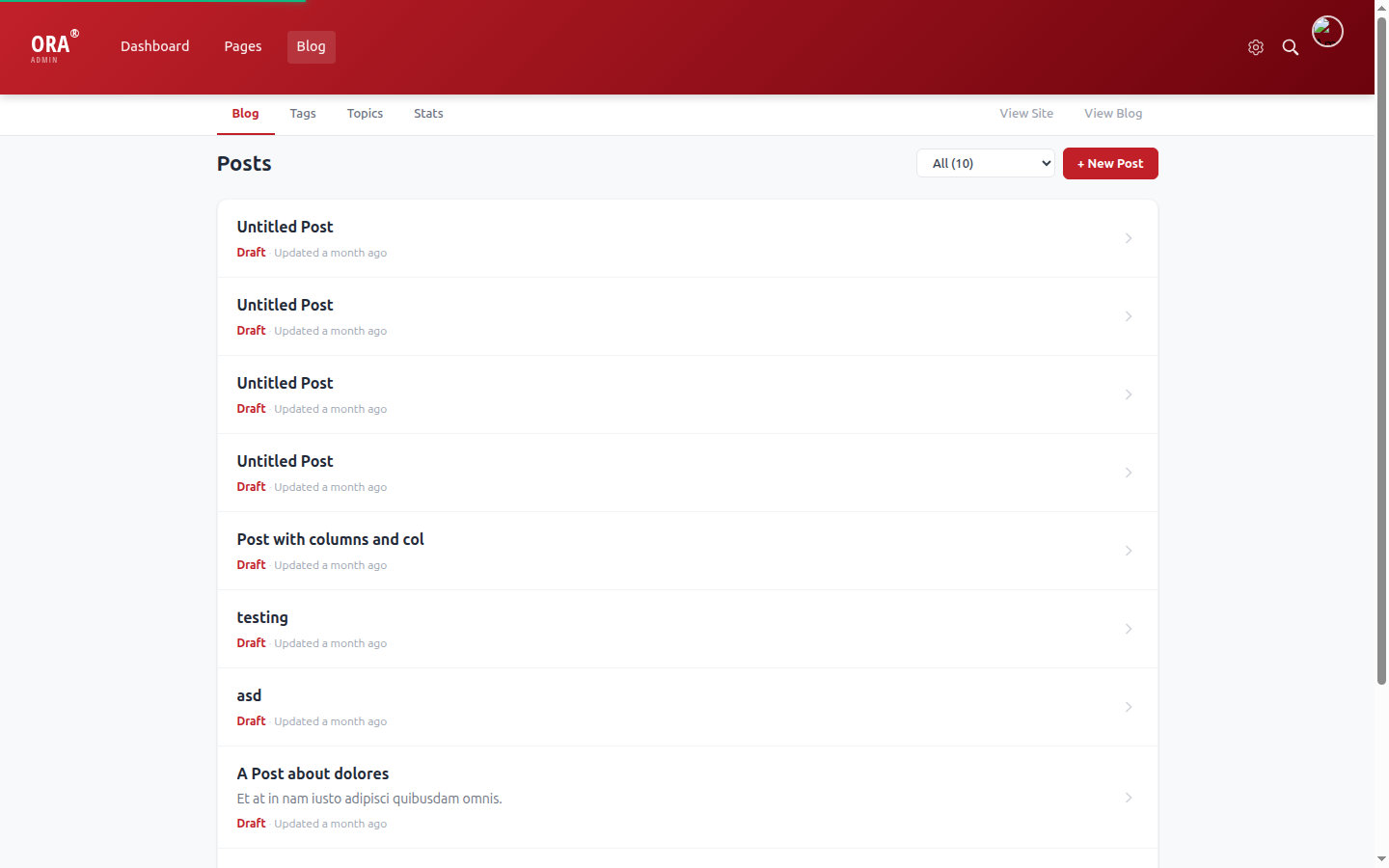
View Site link in Blog sub-nav (uses correct production URL on laravel.cloud)
Code Fix
Video Grid: Default Thumbnail Placeholder + Bug Fix
"The video grid will only display videos if I upload a thumbnail."
Done. Fixed a key mismatch bug (form stored 'thumbnail' but template looked for 'image'). Added a gray play-button placeholder when no thumbnail is uploaded.
resources/views/pages/blocks/video_grid.blade.php
- @if(!empty($card['image'])) (never matched form data)
+ $thumb = $card['thumbnail'] ?? $card['image'] ?? ''
+ @else: gray placeholder with play button icon